P
Praveen

Learn Microsoft Project and Project Portfolio Management concepts to plan, schedule, track and control projects effectively. Build practical skills in resource management, progress tracking, reporting and project coordination to improve delivery, productivity and decision-making.

Why this course
Projects today involve multiple teams, deadlines, resources and moving priorities. Managing them effectively requires more than basic planning—it requires the right tools and practical project management skills. This course helps you understand how to plan, schedule, monitor and manage projects using Microsoft Project (MSP) and Project Portfolio Management (PPM) concepts.
You’ll learn how to structure projects, create Work Breakdown Structures (WBS), define activities and dependencies, build schedules, manage resources, set constraints and track project progress. You’ll also explore reporting and project monitoring techniques that help teams stay organised and make informed decisions.
With a practical approach to learning, the course helps you build confidence in handling real-world project planning and coordination tasks.

Build practical expertise in MSP and PPM to plan, schedule, track and manage projects. Open opportunities in project coordination, planning, scheduling, PMO and project management across IT, construction, engineering and other industries.
₹3.5 LPA+
Starting CTC
10+
CAREER ROLES
8+
Industires Hiring
Roles our graduates step into
Career opportunities
Typical starting CTC range
₹3.5 LPA+
Roles after completing
Industries that hire
Why industry demand is growing
As projects become more complex and teams work across locations, companies need professionals who can plan, coordinate and track work efficiently. Strong skills in Microsoft Office and project management tools help teams manage timelines, resources, documentation, reporting and communication. This creates opportunities for skilled professionals across IT, engineering, construction, manufacturing, consulting and other project-driven industries.
A typical career path
Year 0-2
Project Coordinator
Year 2-4
Project Planner
Year 4+
Project Management Lead
What you'll learn
Each module builds on the last — by Module 5 you're simulating the motion of a working mechanism, not completing isolated drawing exercises.
Understand how a project moves from an initial idea to successful completion, while learning the core principles used to manage projects effectively.
Topics covered
Practical outcome
Understand the complete project lifecycle and apply practical methods for project initiation, planning, execution, monitoring, control and closure.
Learn to use Microsoft Project to build schedules, manage resources, track progress and generate useful project reports.
Topics covered
Practical outcome
Plan, schedule and manage projects using MSP, including timelines, resources, dependencies, progress tracking and project reports.
Course at a glance
Institute credentials
ISO 9001:2015 certified quality education
Lifetime alumni support — doubts cleared even after course completion
Placement assistance
Employers look for professionals who can plan projects, manage timelines and resources, track progress, prepare reports and coordinate teams effectively. Practical knowledge of MSP and PPM can help you contribute confidently to project delivery.
₹3 L +
Starting CTC
40+
Countries with Global Career Opportunities
8+
Industry Opportunities


Student success stories
Learning experience
Instructor-led sessions
Classroom and live online with industry practitioners
Hands-on lab access
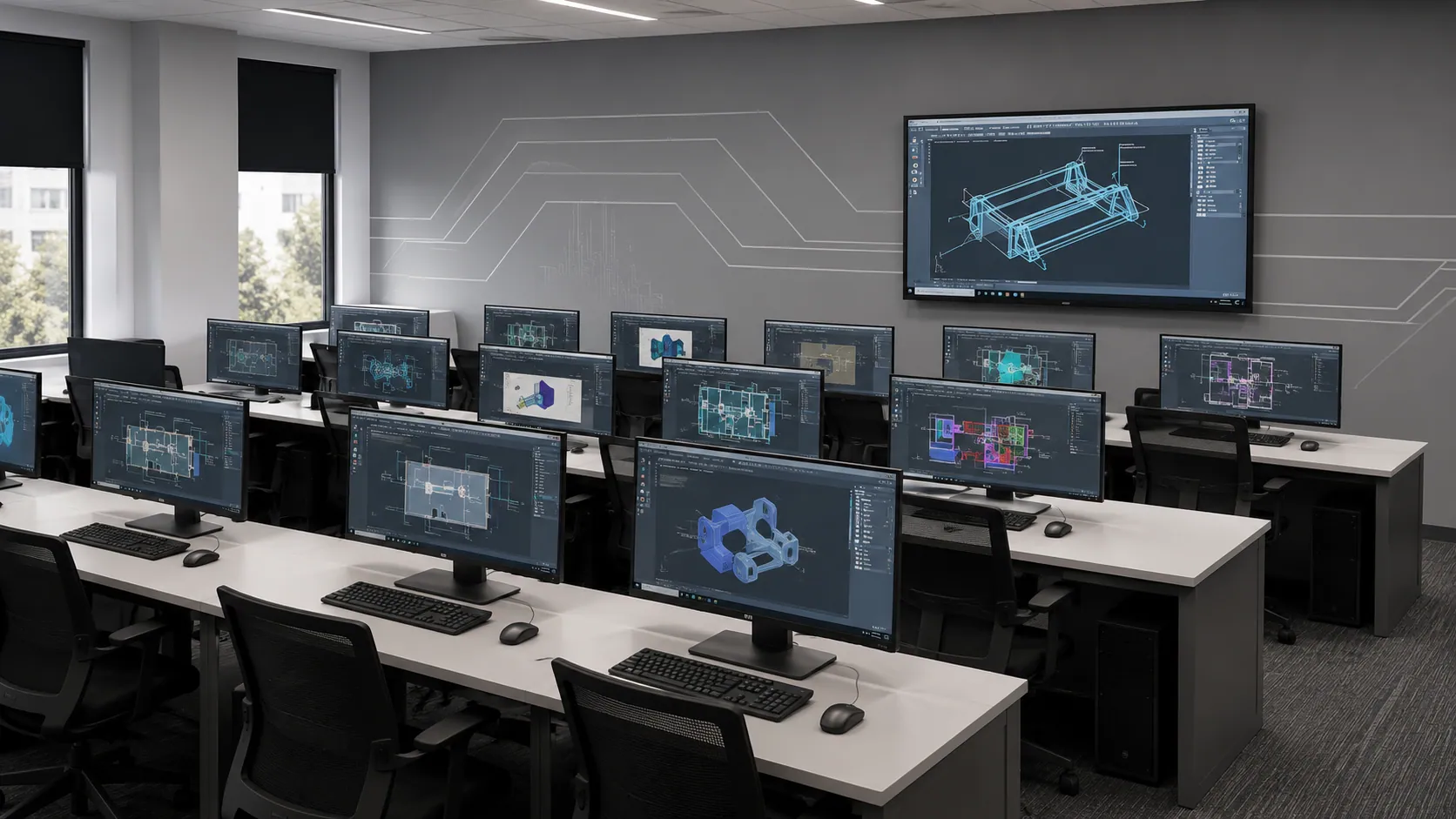
Licensed industry software, full lab hours included
Real-world projects
Assignments modelled on actual industry briefs
Portfolio development
Build a job-ready portfolio with placement team support
Certification & interview prep
Mock tests, cert prep, and readiness workshops


Talk to a counsellor, download the full curriculum, or book a free demo class — we'll help you take the right first step.
Free. No obligation. Available Mon–Sat, 10 AM–6 PM.
Microsoft Office With PPM